

How to handle 120gsm Sticky Heat Transfer Paper to avoid static electricity?
Oct 22, 2025
Hey there! I'm a supplier of 120gsm Sticky Heat Transfer Paper, and I've seen firsthand how static electricity can be a real pain when working with this stuff. But don't worry, I've got some tips and tricks to help you handle it like a pro and avoid those pesky static issues.
First off, let's talk about why static electricity is such a problem with 120gsm Sticky Heat Transfer Paper. Static electricity occurs when there's an imbalance of electric charges on the surface of an object. In the case of heat transfer paper, this can cause the paper to stick together, attract dust and debris, and even make it difficult to feed through your printer or heat press.
One of the main causes of static electricity is dry air. When the air is dry, it doesn't conduct electricity as well, which means that charges can build up on the surface of the paper. That's why it's important to keep the humidity levels in your workspace at a reasonable level. You can use a humidifier to add moisture to the air, especially during the winter months when the air tends to be drier. Aim for a humidity level of around 40-60% for optimal results.
Another way to reduce static electricity is to ground yourself and your equipment. Static charges can build up on your body and on the surfaces of your printer and heat press, so it's important to discharge these charges before handling the paper. You can do this by touching a grounded metal object, such as a metal doorknob or a grounded electrical outlet, before you start working with the paper. You can also use an anti-static wrist strap to keep yourself grounded while you're handling the paper.
When it comes to storing your 120gsm Sticky Heat Transfer Paper, it's important to keep it in a cool, dry place. Avoid storing it in direct sunlight or in areas with high humidity, as this can cause the paper to warp or stick together. You can also use anti-static bags or containers to store the paper, which will help to reduce the build-up of static charges.
Now, let's talk about how to handle the paper itself. When you're removing the paper from the packaging, be sure to do it slowly and carefully. Pulling the paper out too quickly can create friction, which can generate static electricity. You can also use a pair of anti-static gloves to handle the paper, which will help to reduce the build-up of static charges on your hands.
When you're feeding the paper through your printer, make sure that the paper is aligned properly and that there are no wrinkles or folds. Wrinkles and folds can cause the paper to jam in the printer, which can generate static electricity. You can also use a printer with an anti-static feature, which will help to reduce the build-up of static charges on the paper as it passes through the printer.
After you've printed your design on the paper, it's important to let it cool down completely before you transfer it to your substrate. Heat can cause the paper to become more conductive, which can increase the build-up of static charges. You can also use a heat press with an anti-static feature, which will help to reduce the build-up of static charges on the paper as it's being transferred.
When you're transferring the paper to your substrate, make sure that the substrate is clean and dry. Any dirt or moisture on the substrate can cause the paper to stick unevenly or to peel off. You can also use a heat press with a non-stick surface, which will help to reduce the build-up of static charges on the paper as it's being transferred.
Finally, if you do encounter static electricity issues while working with 120gsm Sticky Heat Transfer Paper, there are a few things you can do to fix them. You can use an anti-static spray or a static eliminator to remove the static charges from the paper. You can also use a hair dryer on a low setting to blow air over the paper, which will help to dissipate the static charges.
In conclusion, handling 120gsm Sticky Heat Transfer Paper to avoid static electricity requires a combination of proper storage, handling, and equipment. By keeping the humidity levels in your workspace at a reasonable level, grounding yourself and your equipment, handling the paper slowly and carefully, and using anti-static features on your printer and heat press, you can reduce the build-up of static charges and ensure that your transfers come out looking great.

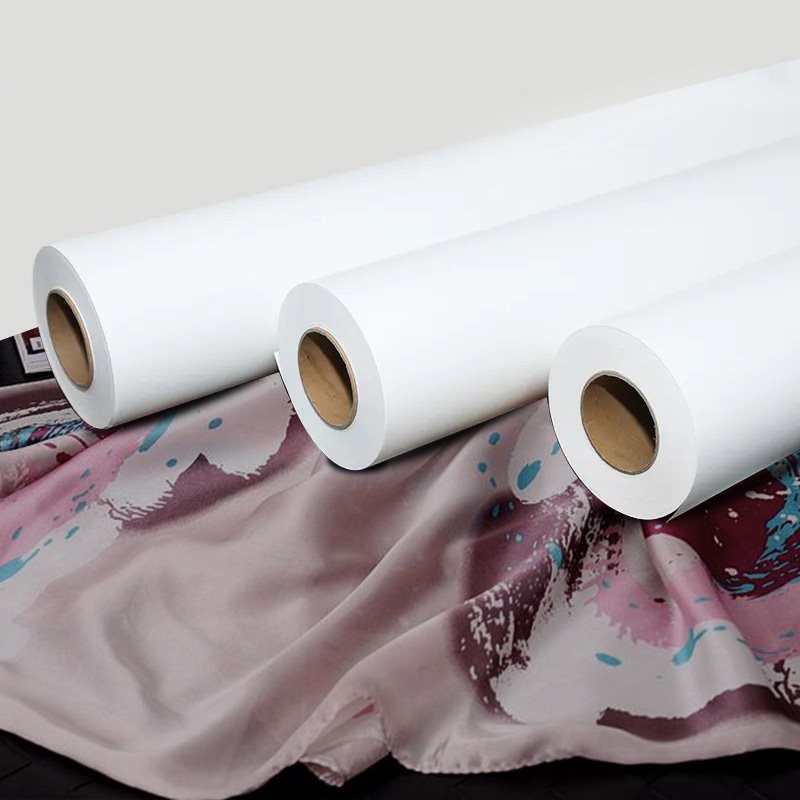
If you're interested in purchasing 120gsm Sticky Heat Transfer Paper or any of our other products, such as Self Adhesive Sublimation Paper, Tacky Sublimation Paper, or Sticky Paper Used for Sublimation Printing, please don't hesitate to contact us. We'd be happy to help you find the right product for your needs and to answer any questions you may have.
References:
- "Static Electricity: Causes and Solutions." Science Buddies.
- "How to Reduce Static Electricity in Your Home." The Spruce.
- "Anti-Static Products for the Workplace." ESDSafeStore.