

Can 70gsm Fast Dry Sublimation Paper be used for photo printing?
Jul 22, 2025
Hey there! As a supplier of 70gsm Fast Dry Sublimation Paper, I often get asked, "Can 70gsm Fast Dry Sublimation Paper be used for photo printing?" Well, let's dive right into this topic and find out.
First off, let's understand what sublimation paper is all about. Sublimation paper is a special type of paper that's designed to work with sublimation inks. When heat and pressure are applied, the ink on the paper turns from a solid directly into a gas, and then it bonds with the surface of the material you're printing on, like polyester fabrics, ceramics, or metals. This process creates a permanent, high - quality image.
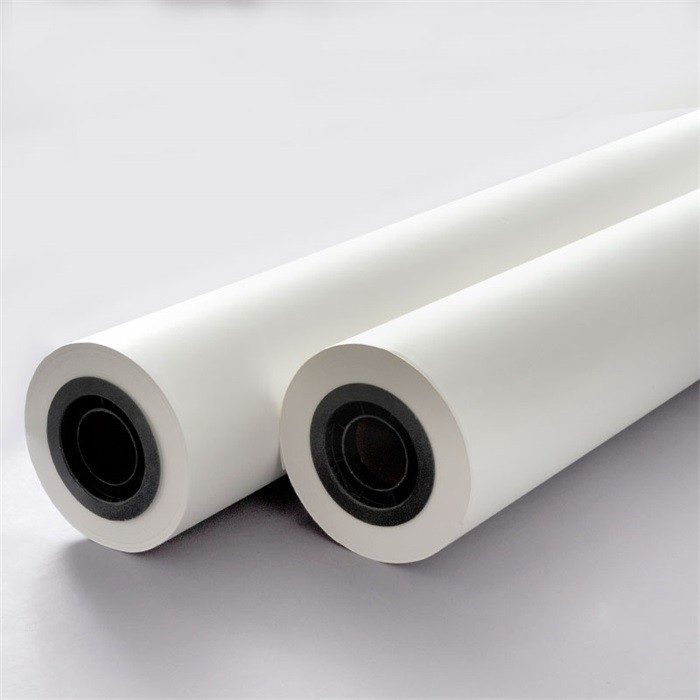
Now, let's talk about the 70gsm part. The "gsm" stands for grams per square meter, which is a measure of the paper's weight and thickness. A 70gsm Fast Dry Sublimation Paper is relatively lightweight. It's thin enough to pass through most printers easily, but it's also sturdy enough to hold the ink well during the printing and transfer process.
Advantages of Using 70gsm Fast Dry Sublimation Paper for Photo Printing
Quick Drying
The "Fast Dry" feature is a game - changer. When you're printing photos, you don't want to wait around for the ink to dry. With 70gsm Fast Dry Sublimation Paper, the ink dries rapidly, which means you can start the transfer process sooner. This not only saves time but also reduces the risk of smudging the photo.
Good Ink Absorption
This paper has excellent ink absorption properties. It can hold a large amount of sublimation ink without the ink bleeding or spreading. This results in sharp, vivid, and detailed photos. Whether you're printing a family portrait or a landscape photo, the colors will be rich and true - to - life.
Compatibility
Most printers are compatible with 70gsm Fast Dry Sublimation Paper. Whether you have an Epson, Canon, or other popular printer models, you can use this paper to print your photos. This makes it a convenient choice for both home users and professional photographers.
Cost - Effective
Compared to some heavier - weight sublimation papers, 70gsm Fast Dry Sublimation Paper is more cost - effective. You can get high - quality photo prints without breaking the bank. This is especially important if you're printing a large number of photos.
Potential Limitations
Durability
Since it's a relatively lightweight paper, it may not be as durable as some thicker papers. If you're handling the paper roughly during the printing or transfer process, there's a small risk of tearing. However, if you handle it with care, this shouldn't be a major issue.
Transfer Efficiency
In some cases, the transfer efficiency might be slightly lower compared to heavier papers. This means that a very small amount of ink might not transfer completely from the paper to the final material. But with proper heat and pressure settings, you can minimize this problem.
How to Use 70gsm Fast Dry Sublimation Paper for Photo Printing
Step 1: Prepare Your Printer
Make sure your printer is clean and in good working condition. Use sublimation ink specifically designed for your printer model. You can find detailed instructions on how to load the sublimation ink in your printer's user manual.
Step 2: Select Your Photo
Choose the photo you want to print. You can adjust the color, contrast, and other settings using photo - editing software like Adobe Photoshop or GIMP. Make sure the resolution of the photo is high enough for a clear print.
Step 3: Print the Photo
Load the 70gsm Fast Dry Sublimation Paper into your printer. Set the printer to the appropriate paper type and quality settings. Usually, a high - quality or photo - quality setting will give you the best results.
Step 4: Wait for the Ink to Dry
Thanks to the fast - drying feature, you won't have to wait long. But it's still a good idea to let the paper sit for a few minutes to ensure the ink is completely dry.
Step 5: Transfer the Photo
Place the printed paper face - down on the material you want to transfer the photo to, like a polyester t - shirt or a ceramic mug. Use a heat press machine to apply heat and pressure for the recommended time and temperature. You can find the specific settings for different materials on the product packaging of the sublimation paper.
Comparing with Other GSM Sublimation Papers
If you're still not sure if 70gsm Fast Dry Sublimation Paper is the right choice for you, let's compare it with some other options.
35gsm Fast Dry Sublimation Paper
The 35gsm Fast Dry Sublimation Paper is even lighter than the 70gsm paper. It's extremely thin and flexible, which makes it great for printers with tight paper paths. However, it may not hold as much ink as the 70gsm paper, and it's also less durable. So, if you're printing large, detailed photos, the 70gsm paper might be a better option.
80gsm Fast Dry Sublimation Paper
On the other hand, the 80gsm Fast Dry Sublimation Paper is thicker and more durable. It can hold more ink and may have a slightly higher transfer efficiency. But it's also more expensive and may not be as compatible with all printers. If you're looking for a balance between cost, quality, and printer compatibility, the 70gsm paper is a great middle - ground.
Conclusion
In conclusion, 70gsm Fast Dry Sublimation Paper can definitely be used for photo printing. It offers a great combination of quick drying, good ink absorption, compatibility, and cost - effectiveness. While it has some minor limitations, with proper handling and the right settings, you can achieve high - quality photo prints.
If you're interested in purchasing our 70gsm Fast Dry Sublimation Paper or want to learn more about our Sublimation Paper For Heat Press, feel free to reach out to us. We're always happy to answer your questions and help you with your photo - printing needs. Whether you're a hobbyist or a professional photographer, we have the right sublimation paper for you.

References
- Sublimation Printing 101: A Comprehensive Guide. Available in most photography and printing - related libraries.
- User Manuals of Popular Printer Models. These can be found on the manufacturers' official websites.