

Are there any special maintenance requirements for printers using 80gsm Fast Dry Sublimation Paper?
Aug 19, 2025
Hey there! As a supplier of 80gsm Fast Dry Sublimation Paper, I often get asked about the special maintenance requirements for printers using our paper. So, I thought I'd write this blog to share some insights and tips.
First off, let's talk a bit about 80gsm Fast Dry Sublimation Paper. It's a popular choice among printers because of its fast - drying properties and the high - quality prints it can produce. Whether you're printing on T - shirts, mugs, or other sublimation - friendly items, this paper can really make a difference. You can check out our FAST DRY SUBLIMATION PRINTER PAPER on our website for more details.
Now, when it comes to printer maintenance, using 80gsm Fast Dry Sublimation Paper doesn't necessarily mean there are a ton of extra, super - special requirements. But there are still some things you should keep in mind.
Printer Head Maintenance
The printer head is one of the most crucial parts of the printer. When using sublimation paper, the ink has to be transferred accurately to the paper. Over time, ink residues can build up on the printer head, which can lead to clogged nozzles. This can result in streaky or uneven prints.
To prevent this, it's a good idea to run a head cleaning cycle regularly. Most printers have a built - in head cleaning function. You can usually find this in the printer settings menu. I'd recommend doing a head cleaning at least once a week, especially if you're using the printer frequently.
Another thing to note is that when you're not using the printer for an extended period, make sure to keep the printer head capped. This helps prevent the ink from drying out and clogging the nozzles.
Ink System Maintenance
The ink system in a printer using 80gsm Fast Dry Sublimation Paper also needs some attention. Sublimation inks are different from regular inks. They are designed to turn into a gas when heated and then bond with the substrate.
You need to ensure that the ink cartridges are properly installed and that there are no leaks. A leaky ink cartridge can not only waste ink but also cause damage to the printer. Check the ink levels regularly and replace the cartridges when they're running low.
It's also important to use high - quality sublimation inks that are compatible with your printer and our 80gsm Fast Dry Sublimation Paper. Using the wrong type of ink can lead to poor print quality and may even damage the printer.
Paper Feed System
The paper feed system is responsible for moving the 80gsm Fast Dry Sublimation Paper through the printer smoothly. To keep it in good working condition, you should clean the paper feed rollers regularly. Dust, debris, and even small pieces of paper can accumulate on the rollers, which can cause paper jams.
You can use a soft, lint - free cloth slightly dampened with water to clean the rollers. Make sure to let them dry completely before using the printer again.
Also, when loading the paper into the printer, make sure it's properly aligned. Misaligned paper can cause jams and uneven printing.
Environmental Conditions
The environment in which the printer is located can also affect its performance when using 80gsm Fast Dry Sublimation Paper. Sublimation printers work best in a clean, dry, and temperature - controlled environment.
High humidity can cause the paper to absorb moisture, which can affect the print quality. On the other hand, extremely dry conditions can cause static electricity, which can also lead to paper jams and uneven ink transfer.
Try to keep the printer in a room with a relative humidity between 40% and 60% and a temperature between 20°C and 25°C.
Comparison with 100gsm Fast Dry Sublimation Paper
Some of you might be wondering how the maintenance requirements differ when using our 100gsm Fast Dry Sublimation Paper compared to the 80gsm one. Well, the basic maintenance principles are the same. However, the thicker 100gsm paper might put a bit more strain on the paper feed system.

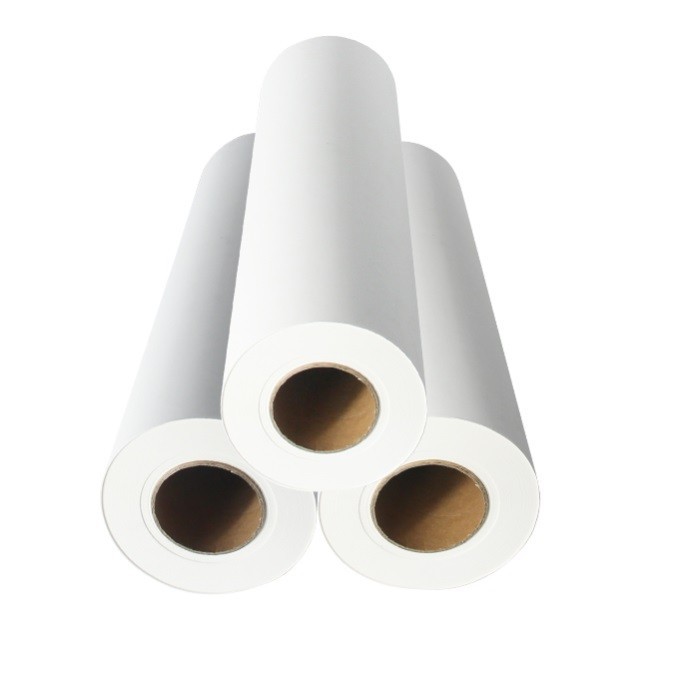
You may need to clean the paper feed rollers more frequently when using the 100gsm paper, as there's a slightly higher chance of debris getting stuck. Also, the printer may use a bit more power to move the thicker paper through the system, so make sure your printer is up to the task.
Specific Considerations for T - Shirt Printing
If you're using our FAST DRY SUBLIMATION PAPER FOR T - SHIRT for T - shirt printing, there are a few additional things to consider.
After printing on the paper, you need to transfer the image to the T - shirt using a heat press. Make sure the heat press is clean and in good working condition. A dirty heat press can transfer dirt or debris to the T - shirt, ruining the print.
Also, when setting the temperature and time for the heat press, follow the manufacturer's recommendations for our 80gsm Fast Dry Sublimation Paper and the type of T - shirt material you're using. Incorrect heat press settings can result in poor image transfer or damage to the T - shirt.
Conclusion
In conclusion, while there aren't a whole bunch of super - special maintenance requirements for printers using 80gsm Fast Dry Sublimation Paper, there are still some key areas that need your attention. By taking good care of the printer head, ink system, paper feed system, and paying attention to the environmental conditions, you can ensure that your printer continues to produce high - quality prints.
If you're interested in purchasing our 80gsm Fast Dry Sublimation Paper or have any questions about printer maintenance, don't hesitate to reach out. We're here to help you get the best results with your sublimation printing.
References
- General knowledge about sublimation printing from industry experience.
- Printer manufacturer's manuals for maintenance guidelines.